A Clear Business Identity
Use a recognisable business name and a concise description so visitors can understand what your company does.

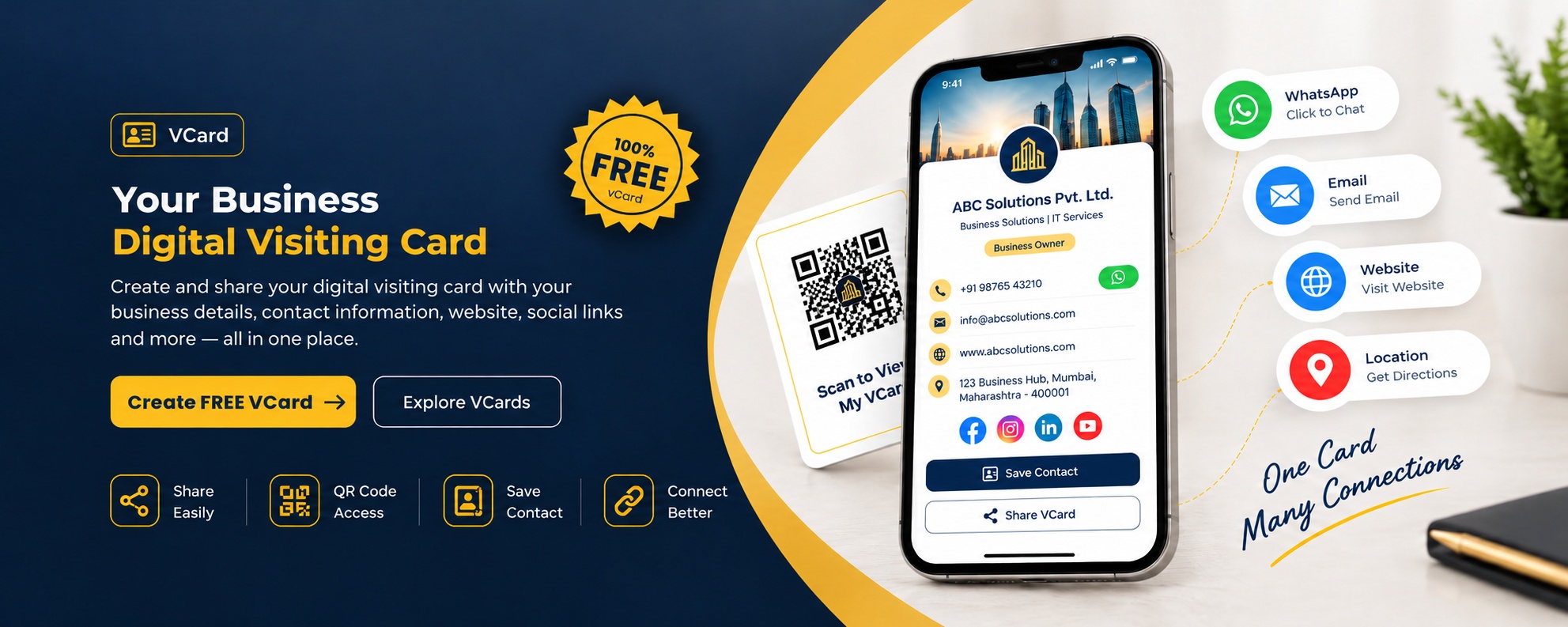
A traditional visiting card is useful when you meet someone in person. But when a customer wants to look up your business later, having your details available online can make that next step easier.
A digital visiting card gives people an online place to find your business information. Depending on the details you publish, visitors may be able to find your contact information, website, business address and social profiles without keeping track of a paper card.
BizDirectory helps people explore businesses across different categories. Visit our business directory to discover companies, products and services.
Create Your Free vCardThe value of a digital card is in how easily people can find the information they need. These are some of the details worth keeping clear and up to date.
Use a recognisable business name and a concise description so visitors can understand what your company does.
Provide the correct phone number and email address so potential customers know how to get in touch with your business.
If your business has a website, include the correct link so visitors can learn more about your products or services.
An accurate address helps visitors understand where your business operates and whether it serves their area.
Relevant social media and business links give interested visitors another way to learn about your work.
A mobile-friendly page makes it more convenient for people to read your business information while using their phones.
Not every business meets customers in the same way. A digital card can be particularly handy when people need to look up your details after a meeting, phone call, referral or first introduction.
Before sharing a business profile, check that the name, phone number, address and website are correct. Remove outdated links and make sure the description explains your business clearly. Small details like these can help visitors decide whether to contact you.
0 of 4 checked
If you would like your business to appear on BizDirectory, start by checking the registration process and the information requested from business owners.
Visit the BizDirectory registration page and review the fields required to submit your business information.
Use your correct business name, contact details, address and other information requested by the registration form.
Once your listing is published, review the information displayed and correct any details that need updating.
One free BizDirectory registration gives your business a digital vCard, a mini website, a place in our business directory, and a public online presence that people can find when they search.
Name, phone, email and address on one shareable link.
A simple, mobile-friendly web page. No coding needed.
Listed under your category and city in the directory.
Public pages that can appear in online searches.
Learn how digital visiting cards work, what information they can include, and how they fit into modern business.
Yes, BizDirectory offers a free digital visiting card for businesses. You can register, add your business details and share your online profile without paying for printed cards.
Please check the registration page for the latest details about what is included in your listing.
A digital visiting card is the modern version of a traditional paper visiting card. While a printed card shares your details physically, a digital card presents your business information online through a web page or shareable link.
It can bring details such as your business name, phone number, email address, website and location together in one place. This makes it convenient for customers and professional contacts to find your information whenever they need it.
A traditional visiting card is printed on paper and usually exchanged during a meeting. A digital visiting card can be opened online and shared using its web address, making it useful when you connect with people remotely or want them to revisit your details later.
A digital card may also include clickable website, email and phone links, depending on how it is built. Unlike printed cards, its online information can be updated without printing a new batch of cards, provided the profile platform supports editing.
Start with your business name, a short description of what you offer, a contact number and an email address. You can also include your website, business address, opening hours and relevant social media links wherever these fields are supported.
Keep the information accurate and easy to understand. Include the details a potential customer is most likely to need, rather than adding unrelated information that makes your profile difficult to read.
Digital visiting cards can be useful for shop owners, manufacturers, suppliers, consultants, freelancers and service providers. They offer a convenient way to share business details after a customer enquiry, professional meeting or referral.
Whether you run a local shop or work with customers across different locations, an online card can give people a simple place to refer to your business information.
Visit the BizDirectory registration page and follow the instructions provided in the form. Enter your business information carefully and submit the required details.
Before submitting, check your business name, contact information and website links for accuracy. Follow any verification or approval steps required by the platform.
If your business profile has a public URL, you can share that link through email, messaging apps, social media or other communication channels. You can also include the link in your email signature or on your business website.
Check that the profile opens correctly and that the contact details are up to date before sharing it. QR code sharing is another option if the platform provides a QR code for your profile.
A digital visiting card can make your business information easier to share and access. It gives customers a convenient place to find your details and learn more about your business.
It is one part of an online presence, not a guarantee of higher search rankings or more enquiries. Accurate information, a useful website and relevant business listings can all contribute to a more complete online presence.
Updates depend on the platform hosting your digital card. If editing is supported, you may be able to change details such as your phone number, address, website or business description without printing a new card.
For a BizDirectory listing, use the available account or listing-management options to check whether your business details can be edited.
A clear business profile starts with accurate details. Explore BizDirectory to discover businesses, or visit the registration page to learn how to submit your own listing.
Register Your Business